












Your Music. Your Sound.
One App

Picture a world where experiencing premium-quality music didn't come with the premium price tag.

Karan Aujla
Drake
Bad Bunny
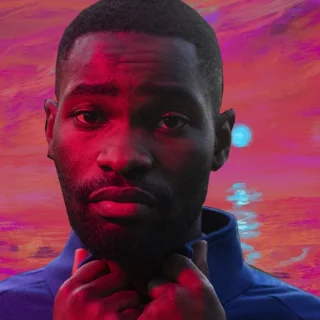
Dave
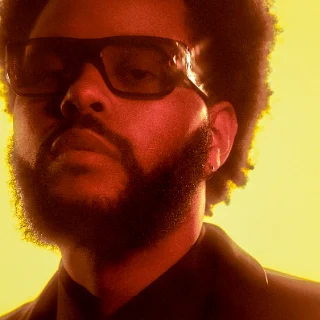
The Weeknd
Taylor Swift
Diljit Dosanjh

The future of music streaming.

Kernl brings your music experience together in one beautifully designed platform. Discover music, enjoy premium listening features and take control of how you experience the music you love. Everything you need, without the unnecessary subscription costs.

Music,
on your terms.

Your music should sound the way you want it to. Enjoy a listening experience built around your preferences, with the features you expect from a premium music platform.

  • High-quality listening
  • Equaliser & audio tuning
  • Music discovery
  • Personal library
  • Playlists & playback controls
  • Accessible listening

Tuned to
your ears.

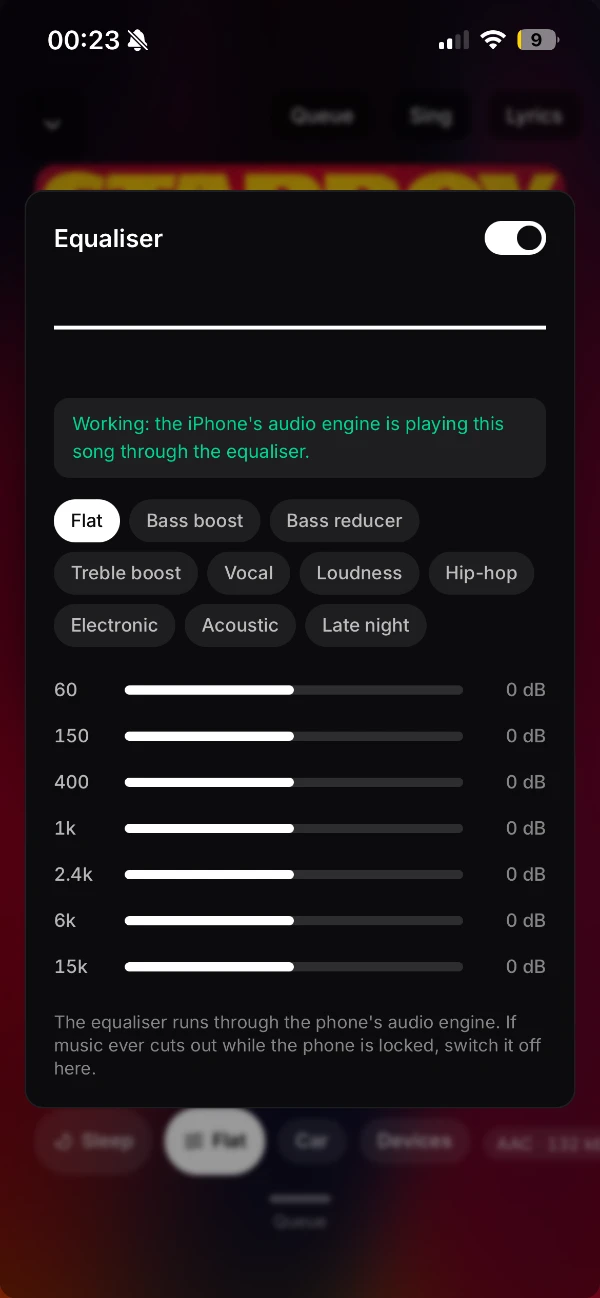
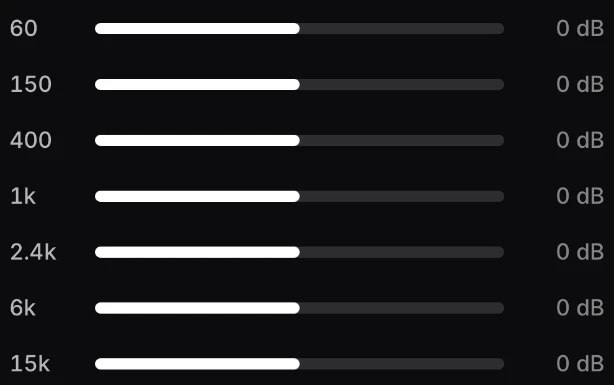
A seven-band equaliser from 60 Hz to 15 kHz, with ten presets — from Bass boost and Vocal to Loudness and Late night — running through your phone's own audio engine.

  • Flat
  • Bass boost
  • Vocal
  • Loudness
  • Hip-hop
  • Late night

Shattering Traditional Streaming Limitations.

Discover. Listen. Experience.

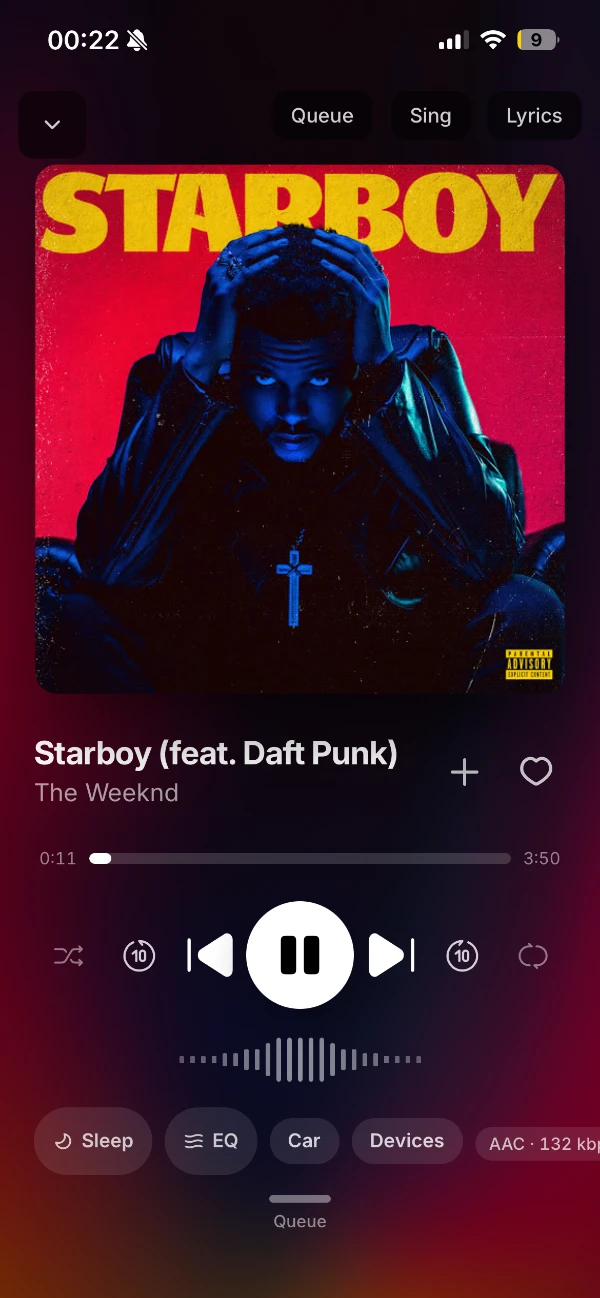
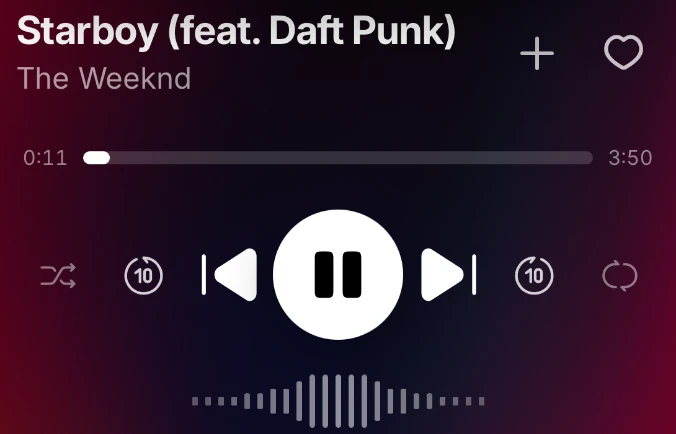
  • A polished player with the controls you expect — shuffle, repeat, skip ten seconds either way, a live waveform and a clear view of what's playing.

  • A seven-band equaliser with ten presets, from Bass boost to Late night — and a one-tap switch to turn it off.

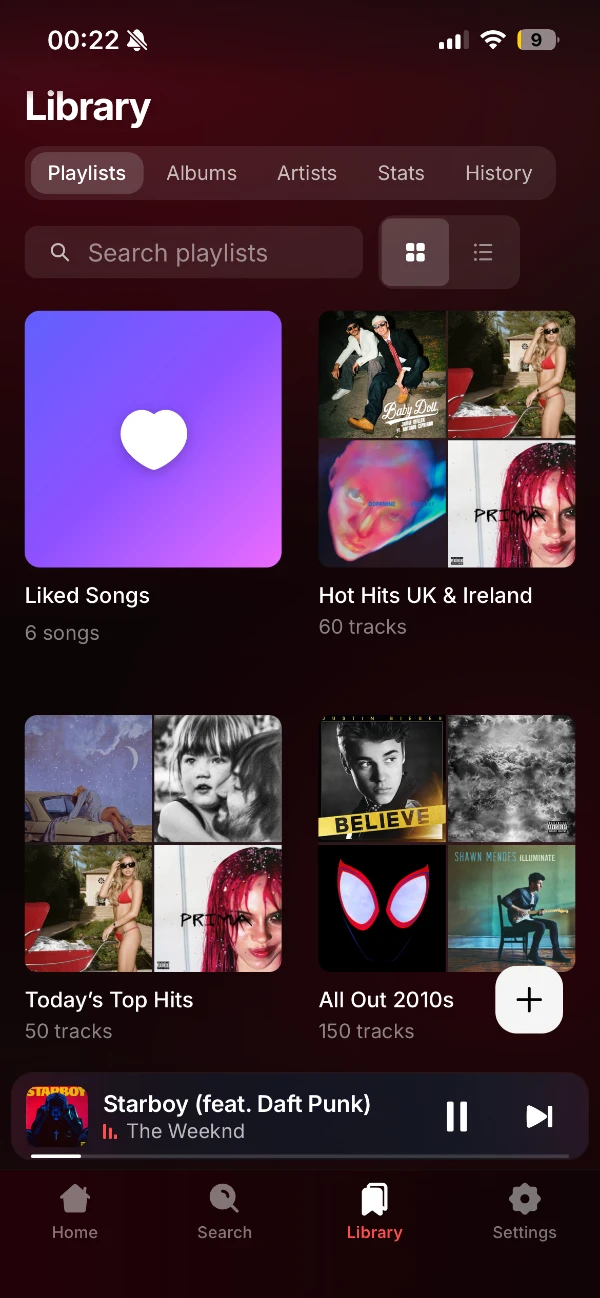
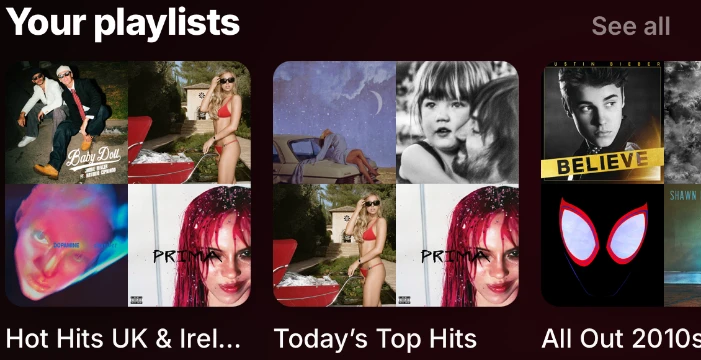
  • Your playlists, albums and artists in one place, with stats and listening history built in. Grid or list — your call.

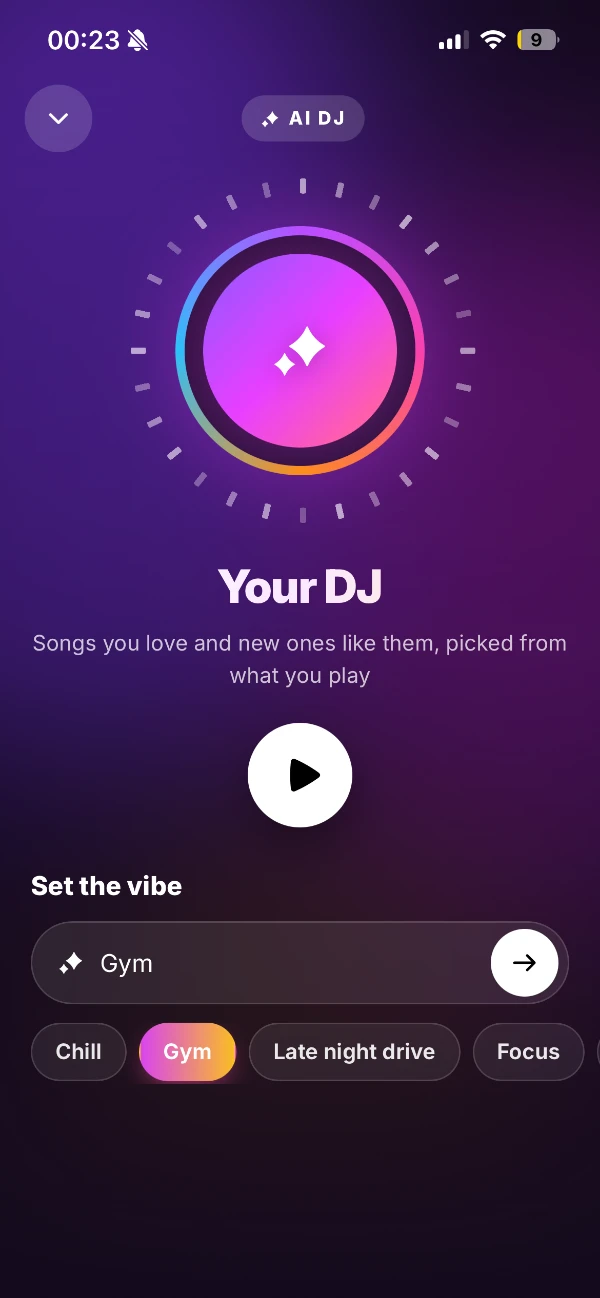
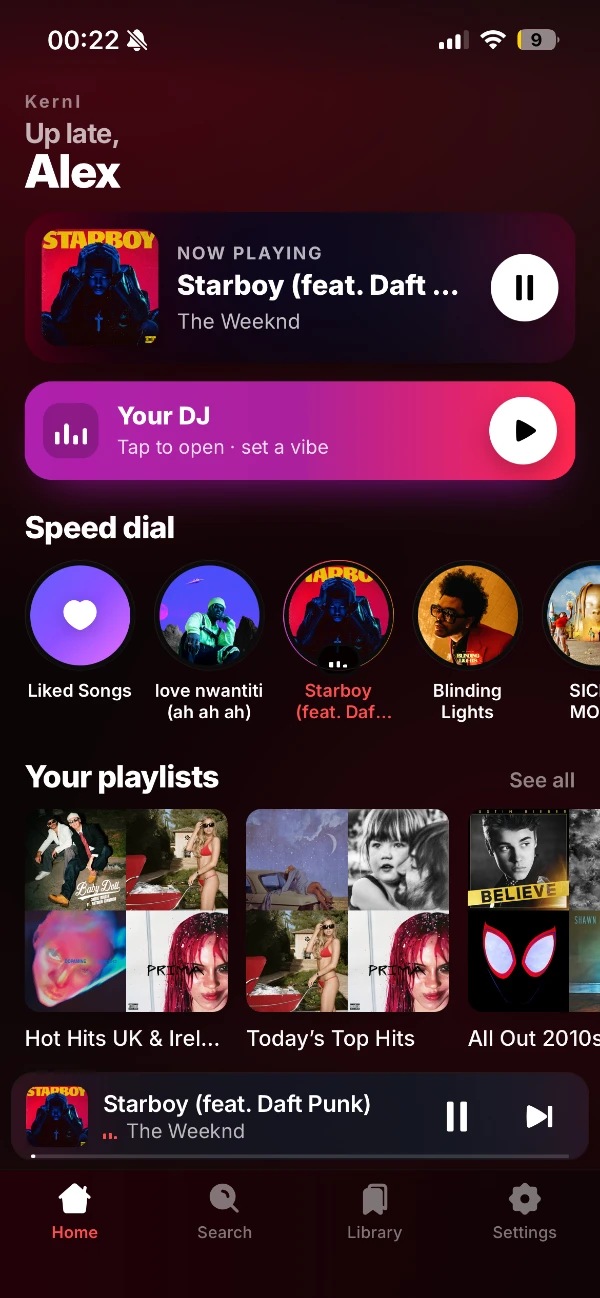
  • Your DJ plays songs you love and new ones like them, picked from what you play. Set the vibe: Chill, Gym, Late night drive or Focus.

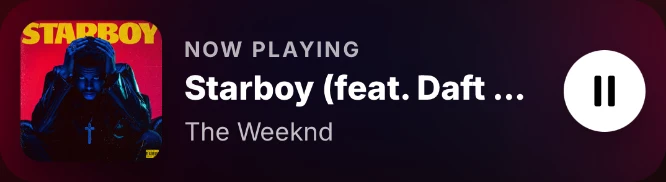
  • A clean home screen with Now Playing up top, Speed dial for your favourites and your playlists one tap away.

  • The premium listening experience, without the premium subscription price.

Set the Vibe

Chill, Gym, Late night drive or Focus — tell Your DJ the mood and let kernl pick the soundtrack.

Songs you love and new ones like them, picked from what you play. Tap Your DJ on the home screen, set a vibe and press play.

Not Just Listening

Taking control ofhow you experience

The EQ presets and DJ vibes from the app. Drag them, tap one to toss it, or just keep scrolling.

Designed around the way you listen

Premium Sound
for Everyone

Join Discord

Accessible for
Listeners

Download kernl

For ThoseWho Breathe Music

Install kernl on your computer today. The first time you open it, kernl asks for an access key, which the kernl team hands out on Discord.

Windows

  • Installs for your user account, no admin rights needed
  • Fetches Microsoft WebView2 during setup if your PC doesn't have it
Windows says "Windows protected your PC"?

The installer isn't code-signed yet, so SmartScreen may warn you the first time. Choose More info, then Run anyway.

Mac

  • macOS 13 Ventura or later
  • Unzip it and drag kernl into your Applications folder
Which one do I need, and what if macOS won't open it?

Open the Apple menu and choose About This Mac. If it lists a Chip (M1, M2 and so on), get Apple silicon; if it lists a Processor (Intel), get Intel.

kernl isn't notarised by Apple yet, so macOS blocks the first open. Open System Settings, go to Privacy & Security, scroll down and click Open Anyway.

Before you install

Goodquestions.

Which devices can I use kernl on?

Windows and Mac. Both downloads are just above. The iPhone version is coming soon: join the Discord for news on its release.

Do I need an access key?

Yes. The first time you open kernl it asks for an access key, which the kernl team hands out on Discord. A key belongs to one device, so if you switch devices, ask on Discord to have it moved.

Which Mac download do I need?

Open the Apple menu and choose About This Mac. If it lists a Chip (M1, M2 and so on), get Apple silicon. If it lists a Processor (Intel), get Intel. Both need macOS 13 Ventura or later.

Why does my computer warn me before opening kernl?

kernl V1 isn't code-signed yet. On Windows, choose More info, then Run anyway. On a Mac, open System Settings, go to Privacy & Security and click Open Anyway.

What can kernl do?

A seven-band equaliser from 60 Hz to 15 kHz with ten presets; Your DJ, with vibes such as Chill, Gym, Late night drive and Focus; Queue, Sing and Lyrics in the player; and a library with your playlists, albums, artists, stats and history. See the features.

Download kernlWindows · Mac